Skip to content

Anywhere3

Anywhere Wireless Mouse

(5 Reviews)

$39

Save5%

Save 5% with a promo code.

Details

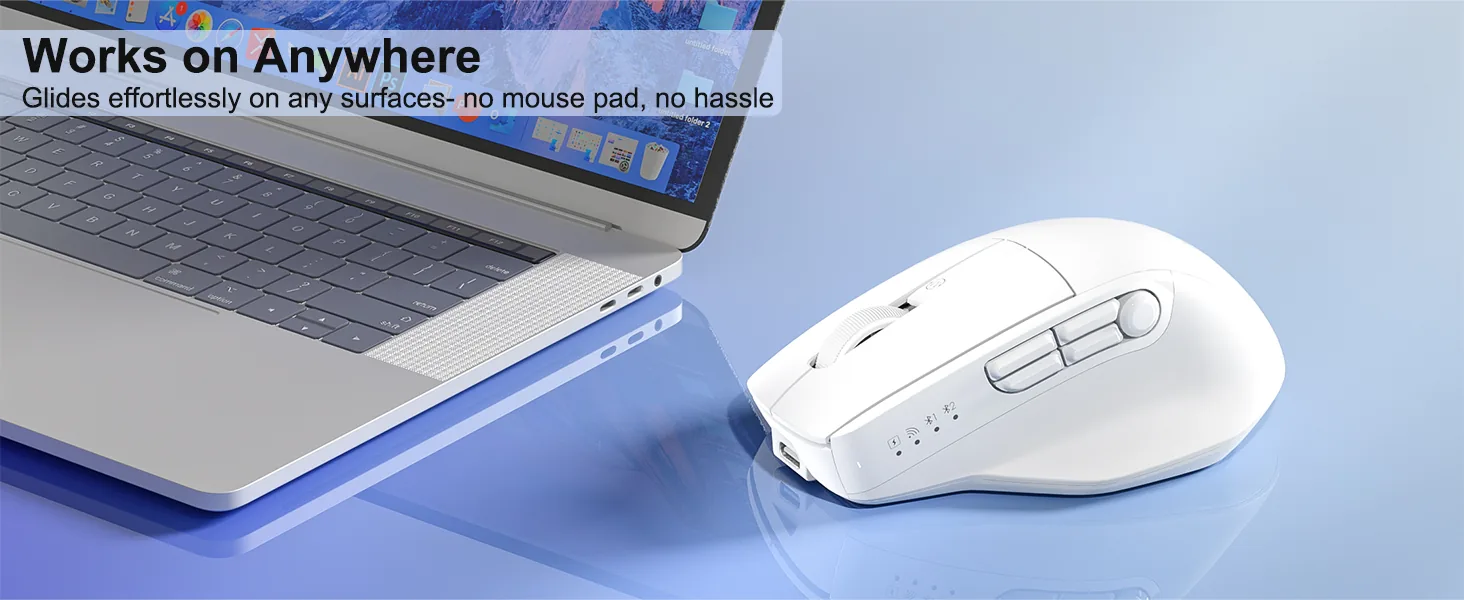
Glass Surface Compatibility, no mouse pad needed 2. ABS material 3. 700mAh battery, 2.3h charging for 140h working 4. Windows/MacOS support 5. 10M times Huano long life silent switch 6. 800-6000 DPI 7. 9 buttons, software customizable 8. 117*74*43.5mm / 98g

Color: White

In stock

System Compatible

System compatible Win XP/7/8/10/11, Vista, MacOS.

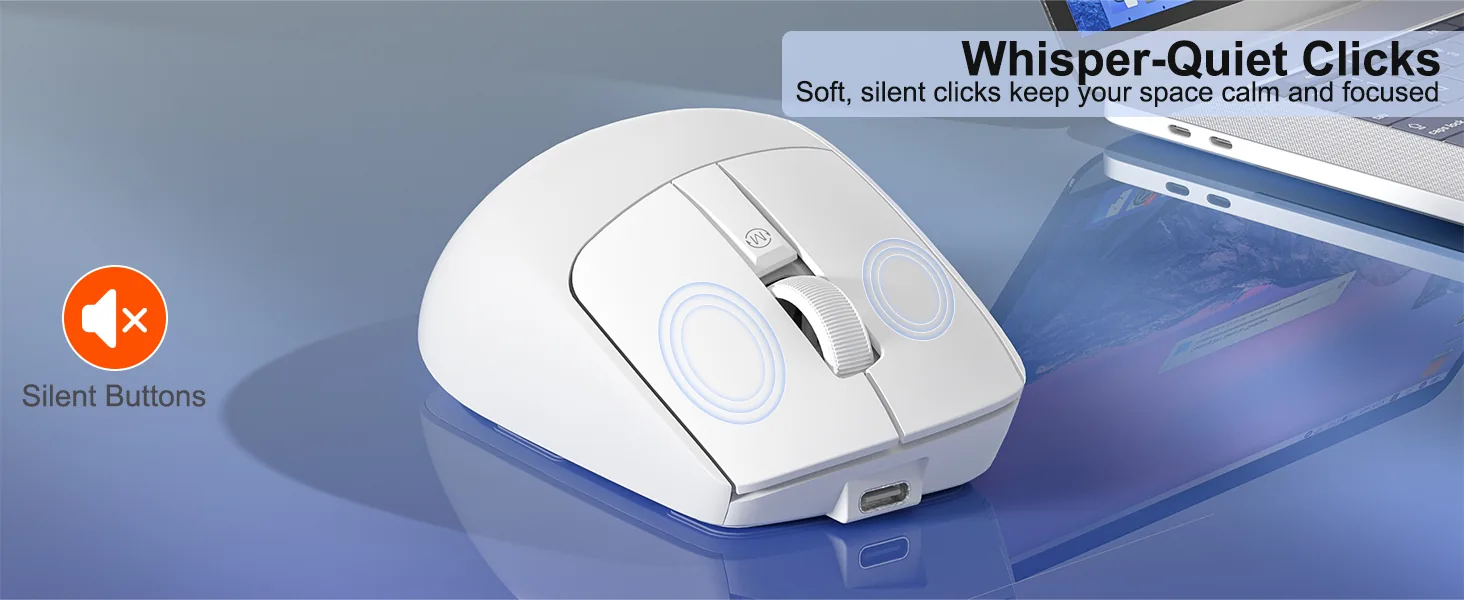
Mute Button Design

The mouse buttons are silently designed, whether in a quiet office, Studying in the library or working late at night will create a comfortable keystroke environment for you.

Built-in Battery

The new generation 700mAh built-in battery of low-power energy-saving technology, more energy-saving for 140h and benefits for environmental protection.

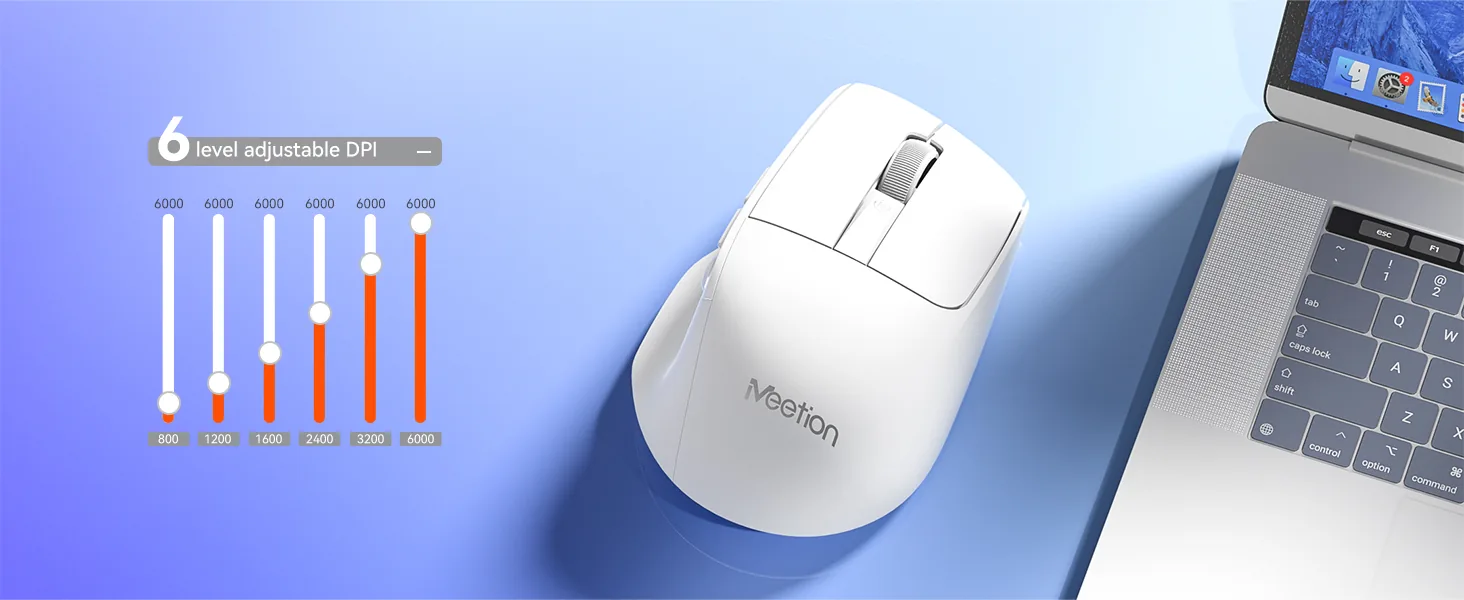
6 Adjustable DPI Level

Customize your cursor speed with 6 DPI settings for ultimate accuracy. Choose from 800~6000 for pinpoint accuracy across tasks.

TYPE-C Charging Port

Equipped with a modern Type-C interface for quick and reliable power delivery in 2.3h Supports fast,stable charging through an easy-to-use Type-C connection

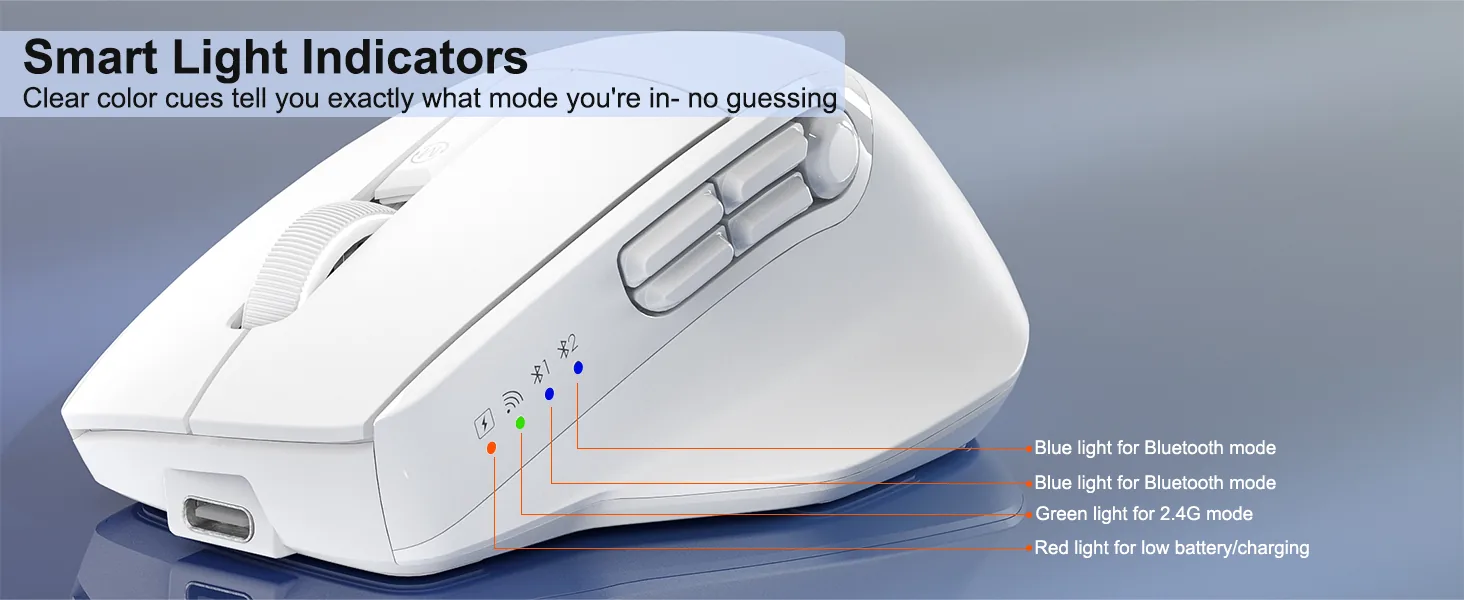
Tri-Mode Wireless Connectivity

Can be connected to tablets, laptops and other smart devices by wired, 2.4G and Bluetooth two channel, effective connection within 10 meters.
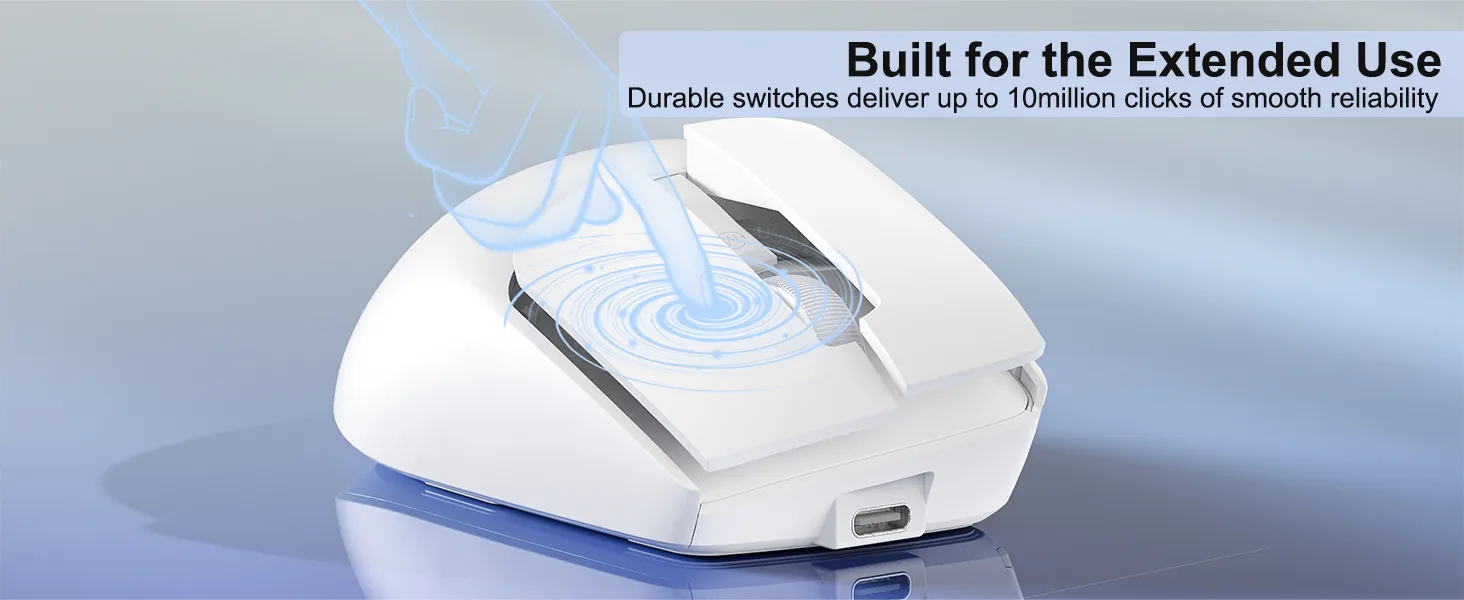
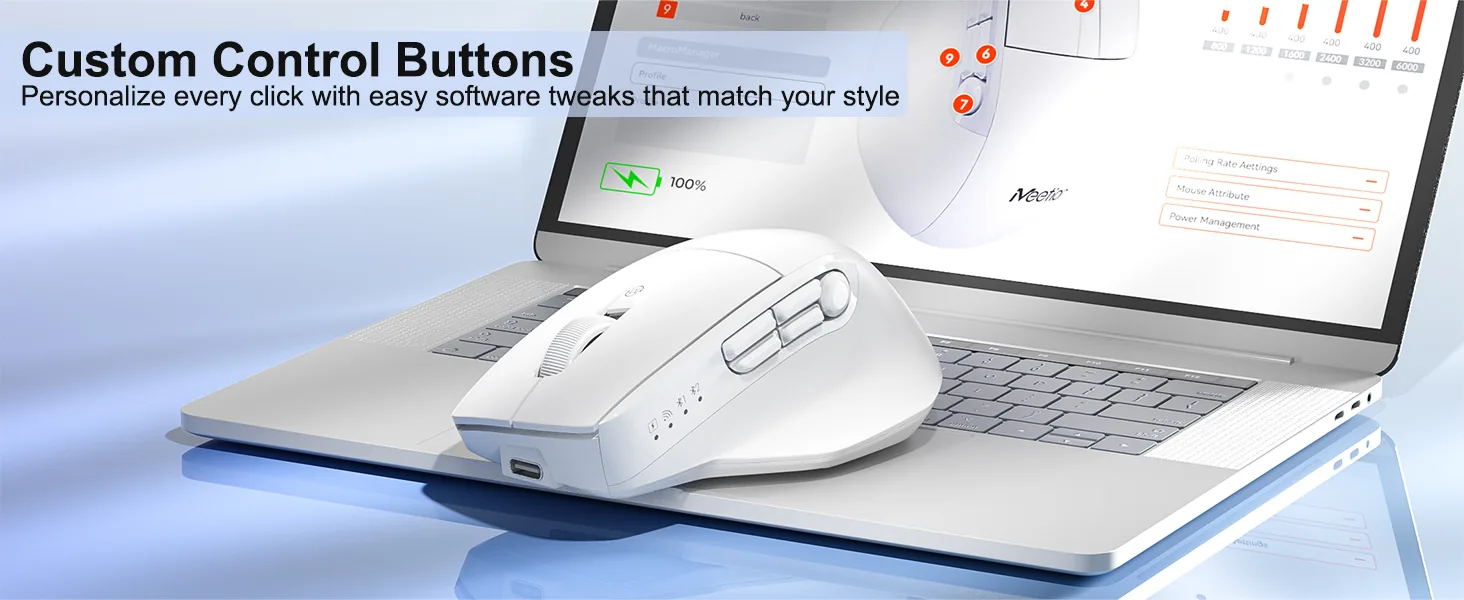
Programmable Tri-mode Wireless Mouse

Customer Reviews

4.6

Based on 5 reviews

5★
3
4★
2
3★
0
2★
0
1★
0

Showing 1–5 of 5 reviews

OwenVerified purchase

Quiet enough for an open office

I sit in a room with eight other people and my old mouse sounded like a stapler. Nobody turns around now. The clicks are soft but still give a clear sense of having pressed something, which I did not expect at this price.

Stephanie B.Verified purchase

Perfect for travelling

It slips into my laptop bag and has become my go-to whenever I work away from my desk. I would have liked a slightly longer cable, but everything else is spot on.

Ryley VVerified purchase

Good shape, side buttons are a reach

Comfort and tracking are both fine. My thumb rests further back than the side buttons expect, so I hit the forward one by accident when I grip tighter during fast scrolling. Remapping it fixed the problem, though it is worth knowing before you buy.

StevenVerified purchase

Fits my hand without a claw grip

Medium-sized hands. The curve at the back supports my palm instead of forcing me to hover over it. The ache behind my knuckles went away after about a week of use.

SimonVerified purchase

Tracks fine on a glass table

I work from a kitchen table with a glass top and most mice skate around on it. This one holds a line. Sensitivity is right out of the box so I never opened the settings.

Reviews are limited to verified buyers. Sign in with the email you ordered with and submit from your order page.

Help & Support

What DPI settings does the Anywhere3 Wireless Mouse support?

It supports 800-6000 (adjustable) DPI.

How does the Anywhere3 Wireless Mouse connect?

It connects via USB Wired / 2.4 GHz Wireless / Bluetooth.

Which operating systems are supported?

It supports Windows / macOS.

Which devices is the Anywhere3 Wireless Mouse compatible with?
  • Windows: Yes
  • macOS: Yes
  • Interface: USB-C
Where can I download the Anywhere3 Wireless Mouse user manual?

Download the Anywhere3 Wireless Mouse user manual. The page lists the languages and file size.

Need help with this product?

Submit an after-sales request with your order details, or browse manuals, software and setup videos.

Manuals & downloads

User manuals

Software

  • Anywhere3 Driver SoftwareWindows, 8.8 MBDownload